AI Visual Language
I created the visual standards for Klaviyo AI across the product to enhance UX
AI Tools Tokens UI Design Systems Product Design Systems Thinking
Challenge
Our existing AI visuals were fragmented and visually heavy, the palette was too limited, labels were inconsistent, and gradients/badges were competing with the product UI instead of supporting it.
The new AI push needed new visual standards that would overtly alert customers that AI driven audits and recommendations were in action.
My Role
Lead component strategist and AI visual architect.
Primary designer responsible for UI and guidelines that identify and differentiate AI-generated insights and recommendations throughout the product.
Run meetings and move conversations forward between product design and engineering across multiple teams and pillars.
Created and published all components in the new AI Figma library
Solution
I systematized the UI by creating a new color palette and gradient specs based , and created buy-in for unified tokens set sand components. I redesigned the AI button variants and status badges and ported the work into sharable Figma, v0 and Storybook artifacts for review and implementation.
Impact
My project work with the new AI foundations were finalized and published into Ascent. The streamlined badge design improved consistency and usability, reduced visual noise, and my design and documentation established a standardized and reusable AI UI system spanning tokens, palettes, gradients, shadows, and components.
Foundational UI
The bedrock that the AI system is built on. The library can easily be adopted to enhance a number of components and experiences.

Color
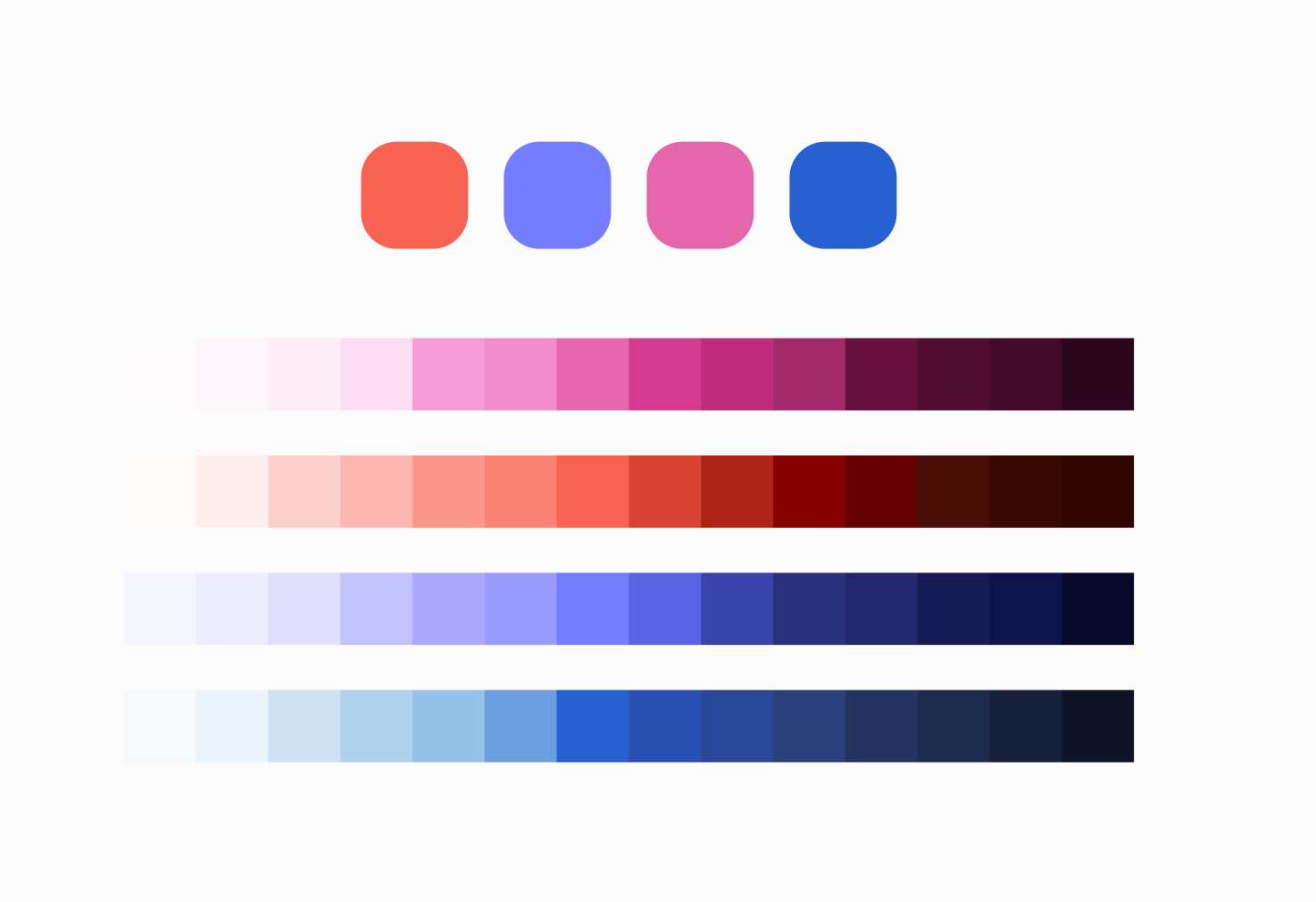
Inspired by Klaviyo’s primary brand color, the Klaviyo AI palette is designed to feel connected to Klaviyo’s core brand colors while maintaining a distinct, bright, and modern identity.
I am responsible for systematizing and expanding on a basic color swatch pattern that could be used for defining and building gradients and motion graphics .
Gradient
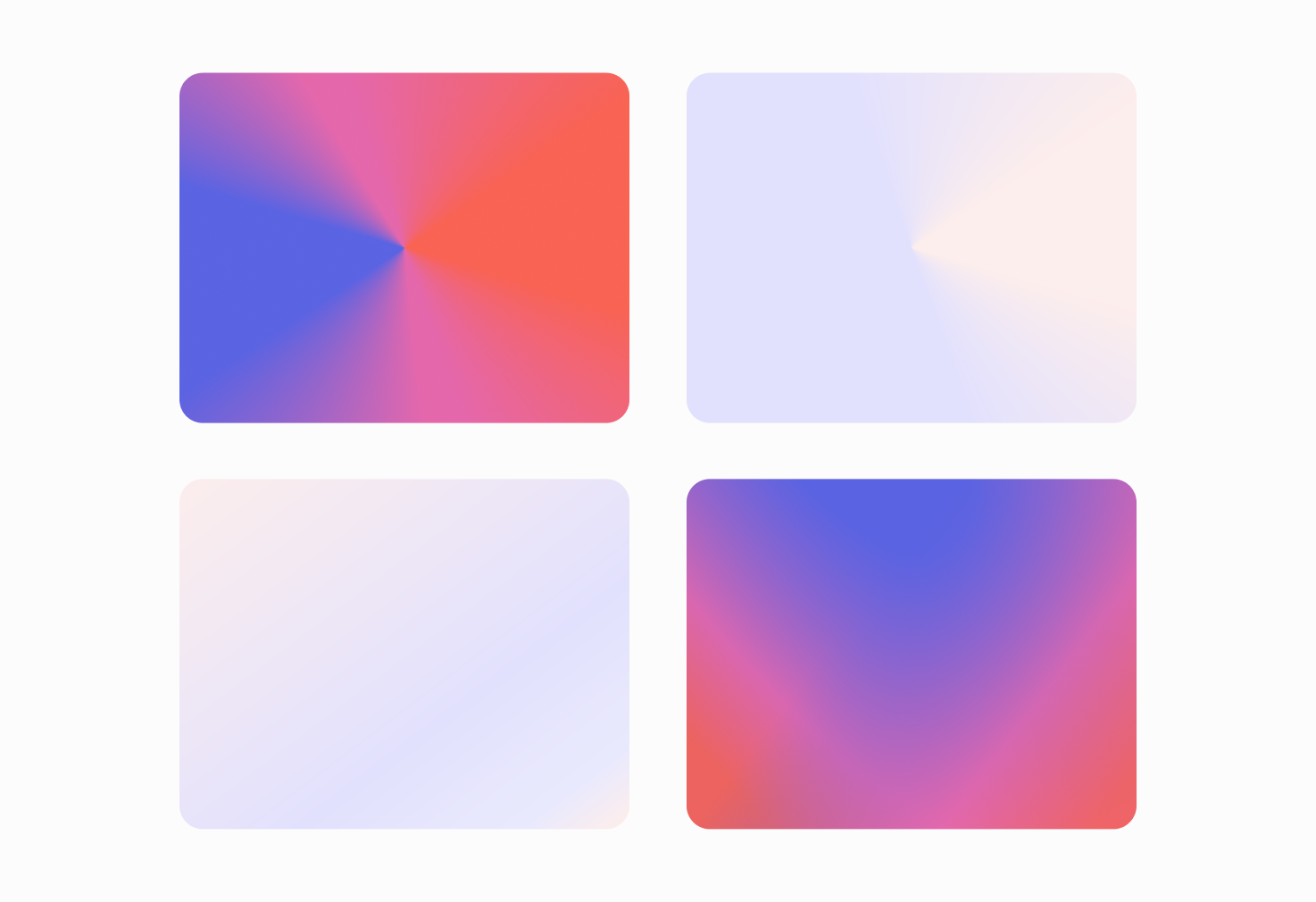
The updated UI uses gradients to fill components, shapes, and borders that represent AI-driven actions or insights. They bring energy and motion to the interface while maintaining harmony with Klaviyo’s broader visual system.
I designed each gradient from the Klaviyo AI color scale to follow a consistent direction and ratio to ensure balance, legibility, and accessibility.
Shadow
Specialized shadow or glow effect is crucial for creating a sense of depth, focus, and uniqueness desired for AI visuals.
I create the design styles and tokens to be used in conjunction with AI powered containers and layouts.
Components
Leveraging the Klaviyo AI system enables enhancing and refactoring components.
Intelligence button
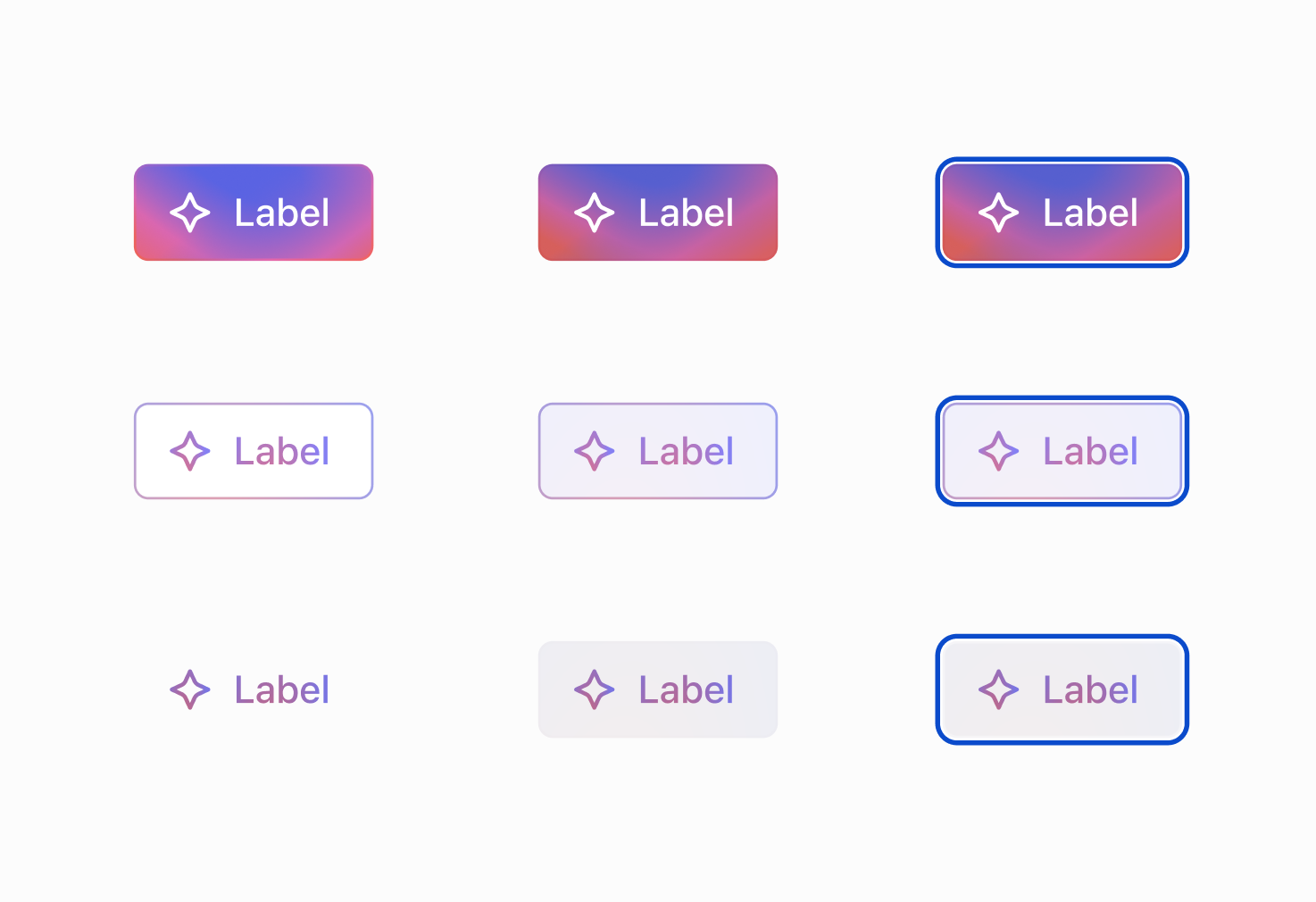
A critical component of the foundational AI UI kit designed to visually distinguish AI-powered features from standard platform actions.
I designed this new button variant that uses the gradient token and replaced the older, less vibrant purple option.
I created the guidelines and support documentation as well and testing the use cases with Cursor.
Badges
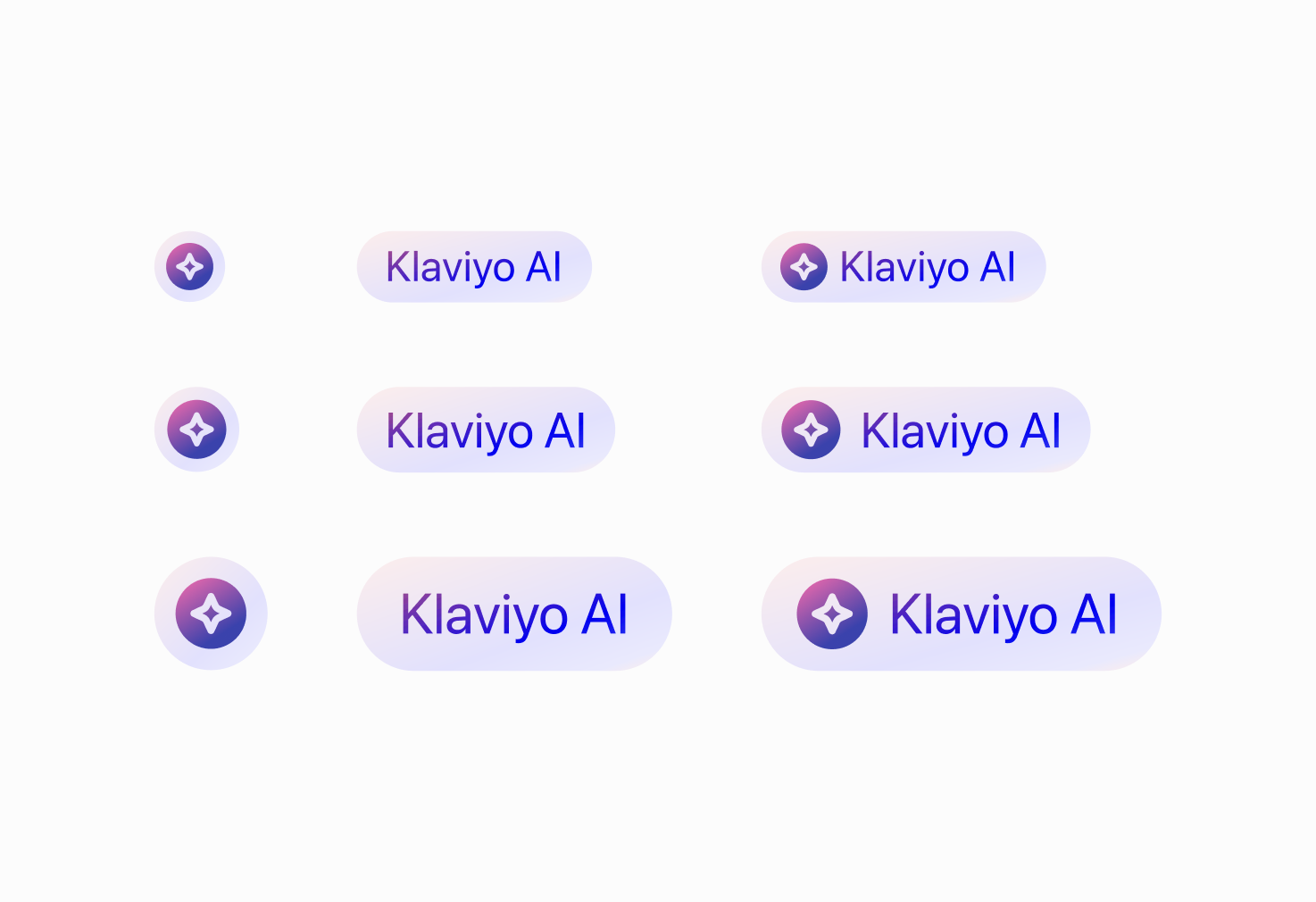
The new AI badges are a critical element of the foundational AI UI kit, designed to provide a consistent visual indicator for intelligence-powered features across the platform.
I used Cursor to test the possibilities for using color modes and opacity configurations for the Icon. In the end, I built a specialized svg Icon to ensure constancy and visual acuity.
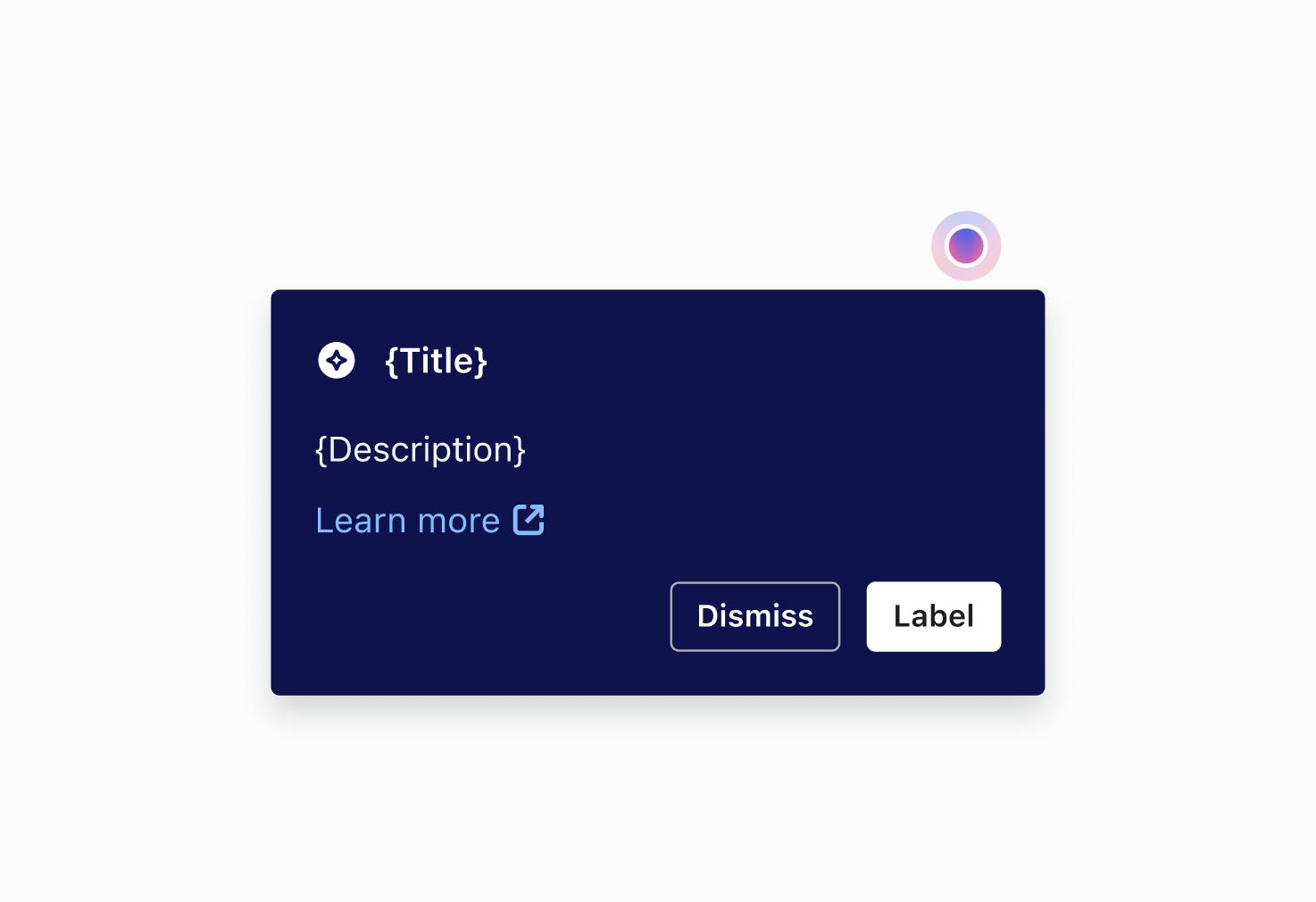
Popover
The new AI styles for popovers are part of a broader "Fast follow" initiative following the approval of the foundational AI UI kit.
My design updates the current popover component and focus on the visually distinct language for intelligence-powered features.
Motion
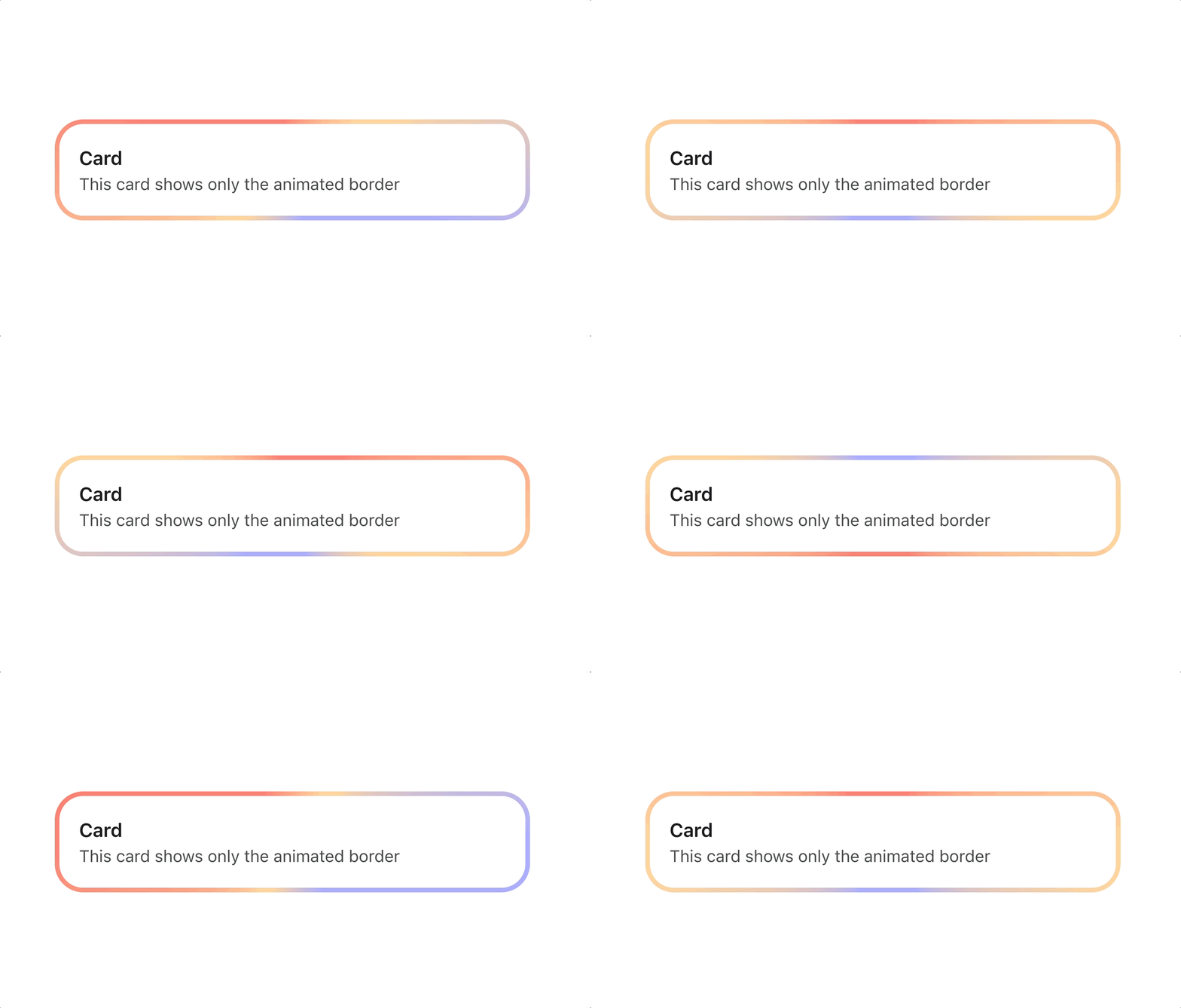
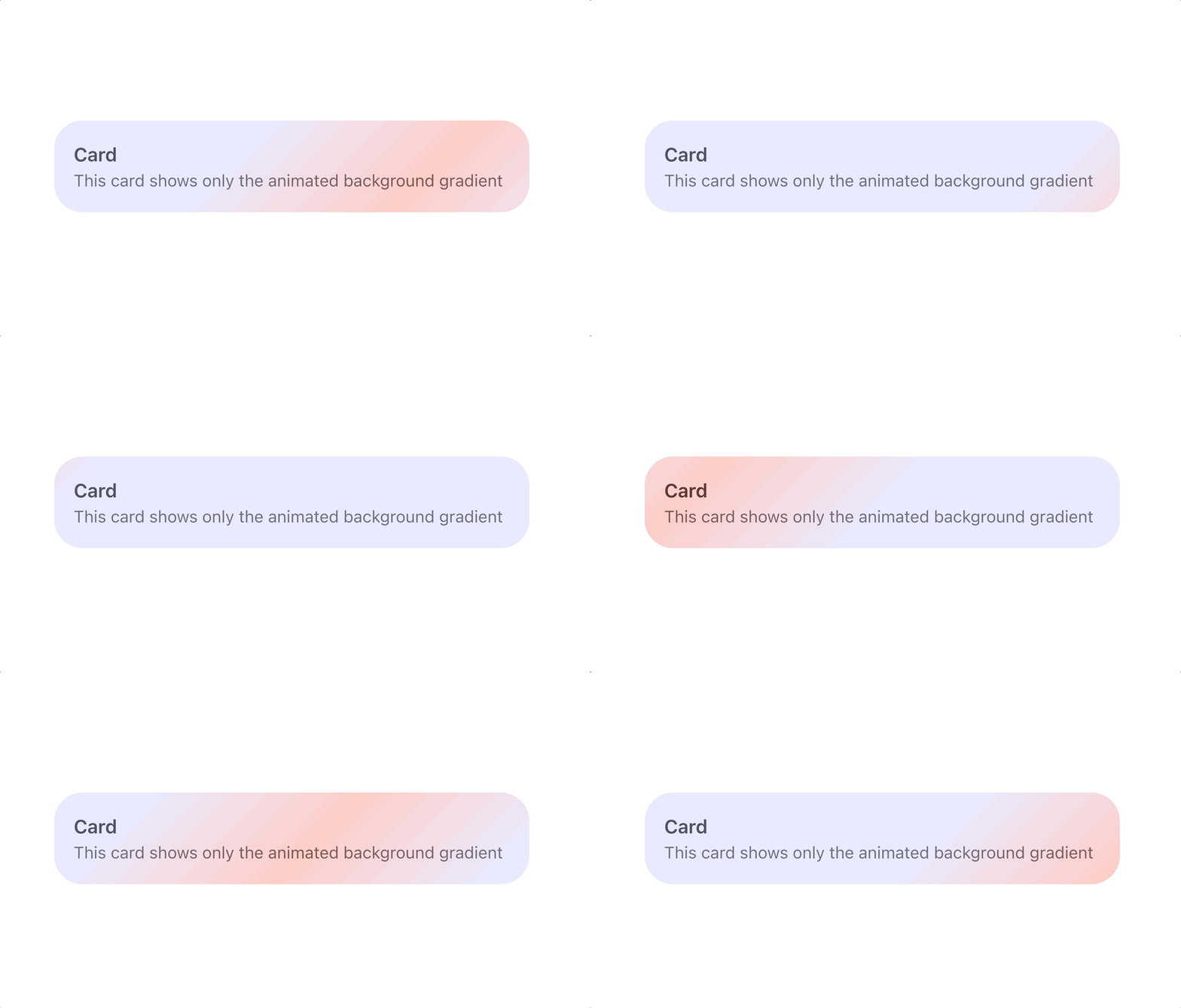
Gradients animate to indicate the AI is processing, generating, or loading. Once the AI processing ends, the animation transitions into a static treatment.

Border
The border gradient shimmer is intended to indicate the "thinking" portion of an AI process. When an existing component, such as a text input, is AI-enabled, it displays this updated focus state via a gradient border.
Background
Background shimmer is the AI-equivalent of a standard Skeleton Loader, used to indicate that generative AI processing or loading is occurring.
It is used exclusively within component structures like containers and images in Editors and is strictly prohibited for use in form fields.
Text streaming
Referred to as "Streaming Typography," this motion style is designed for in-line recommendations and generative text output.